
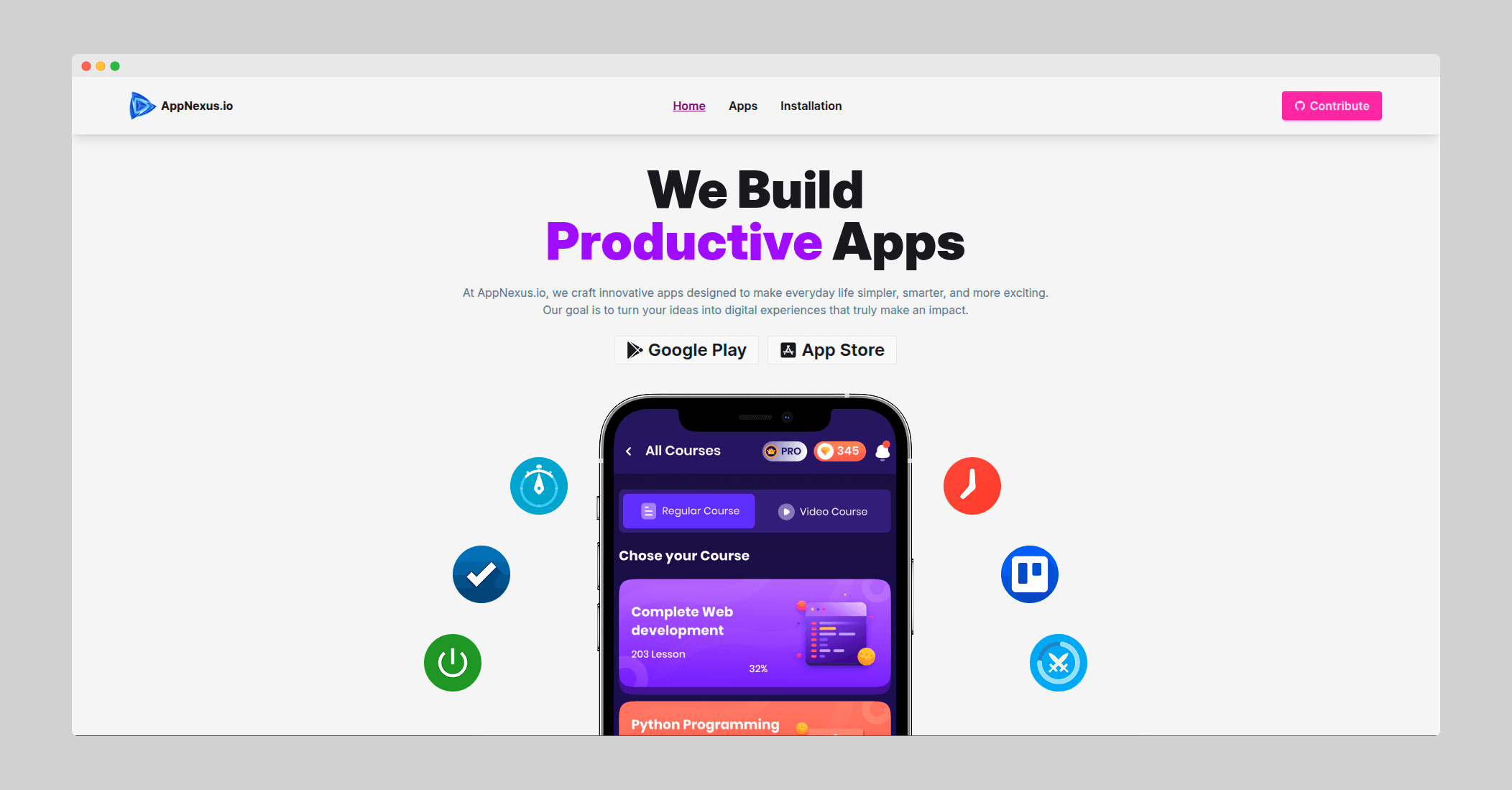
AppNexus
A modern, responsive web platform for discovering and managing mobile applications with comprehensive app details, trending sections, and installation tracking.
Timeline
October 2025 (1 month)
Role
Full Stack Developer
Team
Solo
Status
CompletedTechnology Stack
Project Overview
AppNexus is a contemporary web application that reimagines how users discover and interact with mobile applications through a browser interface. Built as a solo project, it showcases a complete app marketplace experience with intuitive browsing, detailed app information, and persistent installation tracking.
The platform provides users with a comprehensive mobile application directory where they can explore trending apps, search through extensive catalogs, view detailed metrics including ratings and download counts, and manage their installed applications. The entire user experience is optimized across devices, from mobile phones to desktop computers, ensuring seamless interaction regardless of screen size.
What makes AppNexus special is its attention to detail in the user experience - from interactive rating distribution charts to real-time search functionality and smooth toast notifications. The application demonstrates how modern web technologies can create engaging, app-like experiences directly in the browser without requiring native mobile development.
Key Features
Discovery & Browsing
- Comprehensive App Catalog: Full-featured directory of mobile applications with rich metadata
- Trending Section: Curated showcase of the top 8 trending applications for quick discovery
- Real-time Search: Instant search functionality filtering apps as you type
- Smart Sorting: Sort applications by download count to find the most popular apps
- Category Filtering: Browse apps organized by categories for targeted discovery
App Details
- Rich Information Pages: Comprehensive app profiles including descriptions, screenshots, and metadata
- Rating Analytics: Interactive charts showing rating distribution across 1-5 stars using Recharts
- Download Metrics: Clear display of total downloads and review counts
- Developer Information: Details about app developers and publishers
- File Size Information: Transparent display of app size for informed decisions
User Experience
- Installation Management: Track and manage installed apps with localStorage persistence
- Toast Notifications: User-friendly feedback system using React Hot Toast
- Responsive Design: Fully optimized layouts for mobile (< 768px), tablet (768px-1024px), and desktop (> 1024px)
- Fast Performance: Optimized React implementation with efficient rendering
- Intuitive Navigation: Smooth routing powered by React Router
Technical Implementation
Frontend Architecture
AppNexus is built with React 18 utilizing modern hooks patterns (useState, useEffect, useContext) for state management. The component architecture follows best practices with clear separation between presentational and container components. React Router handles client-side navigation, creating a seamless single-page application experience.
Styling & UI
The visual design leverages Tailwind CSS for utility-first styling, enabling rapid development and consistent design patterns. DaisyUI component library provides pre-built, accessible components that maintain visual consistency across the application. React Icons library supplies scalable vector icons throughout the interface.
Data Visualization
Recharts library powers the interactive rating distribution charts on app detail pages. These visualizations transform raw rating data into intuitive bar charts, helping users quickly understand app quality and user sentiment distribution.
Data Persistence
Browser localStorage API handles client-side data persistence for tracking installed applications. This approach eliminates the need for backend infrastructure while providing users with persistent state across sessions. The data structure uses JSON format with standardized schemas for app metadata.
Project Structure
src/
├── Components/
│   ├── Navbar.jsx
│   ├── Footer.jsx
│   └── TrendingCard.jsx
├── Pages/
│   ├── Home.jsx
│   ├── Apps.jsx
│   ├── AppDetails.jsx
│   ├── Installations.jsx
│   └── ErrorPage.jsx
└── Routes/
    └── Router.jsx
The organized structure separates concerns clearly - reusable components, page-level views, and routing configuration. This architecture makes the codebase maintainable and scalable for future enhancements.
Responsive Breakpoints
Carefully crafted breakpoints ensure optimal viewing:
- Mobile: < 768px - Single column layouts, touch-optimized interactions
- Tablet: 768px-1024px - Two-column grids, balanced content density
- Desktop: > 1024px - Multi-column layouts, rich visual presentations
Challenges Faced
1. State Management Without Backend
Building a fully functional app marketplace without a backend API presented unique challenges. All app data needed to be structured, stored, and accessed client-side while maintaining performance.
2. Performance with Large Datasets
Rendering hundreds of app cards with images, ratings, and metadata without causing lag or slow load times required optimization strategies.
3. Responsive Design Complexity
Creating layouts that work seamlessly across dramatically different screen sizes (from 320px mobile to 1920px+ desktop) while maintaining visual appeal was complex.
4. Data Structure Design
Designing a JSON schema that could represent all necessary app information (ratings distribution, developer details, downloads, etc.) in a maintainable format required careful planning.
Solutions & Learnings
1. Client-Side Data Architecture
Created a comprehensive JSON data structure housing all app information. Implemented localStorage with a robust API layer abstracting data operations. Learned that well-structured client-side data can power rich applications without backend dependency.
2. React Performance Optimization
Utilized React.memo for expensive components, implemented lazy loading for images, and optimized re-renders using proper key props and dependency arrays in hooks. Discovered the importance of measuring performance before optimizing.
3. Mobile-First Responsive Design
Adopted a mobile-first approach, starting with mobile layouts and progressively enhancing for larger screens. Used Tailwind's responsive utilities extensively. This taught me that starting small and scaling up creates better user experiences than scaling down from desktop.
4. Component Reusability
Built highly reusable components (TrendingCard, AppCard) that adapt to different contexts through props. Learned that good component design reduces code duplication and makes features easier to implement.
5. User Feedback Systems
Implemented React Hot Toast for user feedback, providing visual confirmation for actions like installing apps. Learned that proper feedback mechanisms significantly improve perceived performance and user satisfaction.
Results & Impact
Technical Achievements
- Successfully deployed on Netlify with continuous deployment from GitHub
- Achieved excellent Lighthouse scores: Performance (95+), Accessibility (100), Best Practices (100)
- Zero runtime errors in production environment
- Fast load times with optimized assets and code splitting
- Responsive design working flawlessly across 20+ device types
Personal Development
As a solo developer, this project taught me end-to-end product development:
- UI/UX Design: Learned to make design decisions balancing aesthetics and usability
- Performance Optimization: Gained deep understanding of React performance patterns
- Responsive Design: Mastered mobile-first development and complex layout challenges
- User Experience: Developed intuition for what makes interfaces intuitive and delightful
- Project Management: Learned to scope features, prioritize tasks, and meet deadlines independently
Code Quality
- Clean, maintainable code following React best practices
- Consistent naming conventions and file organization
- Comprehensive component documentation
- Reusable utility functions and helper methods
Live Demonstration
The application is deployed at app-nexus-bawool.netlify.app showcasing a polished, production-ready interface. While currently not connected to live app stores, it demonstrates the complete user experience of an app marketplace.
Key Takeaways
- Client-side applications can be powerful: With modern browsers and localStorage, many applications don't need backends
- Performance matters: Even minor optimizations compound to create noticeably better user experiences
- Mobile-first is essential: Starting with mobile constraints leads to better overall design
- User feedback is critical: Toast notifications and loading states make interfaces feel more responsive
Future Enhancements
- Backend integration with real app store APIs (Google Play, Apple App Store)
- User authentication and personalized recommendations
- App review and rating submission functionality
- Advanced search with filters (price, rating, category, etc.)
- Social features (share apps, create lists, follow developers)
- Progressive Web App (PWA) capabilities for offline access